


Your resume's content is the star. Its presentation sets the stage. The right font is a key part of that presentation. It acts as the first visual impression a hiring manager has of you. A clean, professional font makes your qualifications easy to read. It guides the recruiter’s eye smoothly through your accomplishments. Choosing one of the best fonts for your resume shows attention to detail.
A poor font choice can create problems. Unprofessional or hard-to-read fonts can make your resume look dated. They can also cause issues with Applicant Tracking Systems (ATS). These automated systems are the first gatekeepers for many job applications. They often struggle to parse complex typefaces. Selecting an ATS-friendly font ensures your content gets read by both software and humans.
This guide will help you find the perfect font. We will explore top platforms for finding professional fonts. We provide screenshots and direct links to get you started. You will learn how to pick a font that looks great and passes the ATS test. A simple font choice can boost your resume's power and help you land an interview.
1. Google Fonts
Google Fonts is the best starting point for finding free fonts for resume documents. This large library offers hundreds of open-source font families. They look good and are optimized for screen readability. They are also compatible with Applicant Tracking Systems (ATS). For job seekers, this means no cost and no licensing headaches.
The platform’s strength is its balance of quality, variety, and usability. It has many highly recommended resume fonts. These include modern sans-serif fonts like Lato, Roboto, and Source Sans 3. It also has elegant serif options like Merriweather and Noto Serif. This selection helps you find a font for any industry. You can find a font for a law firm or a creative tech startup.
Why It Stands Out
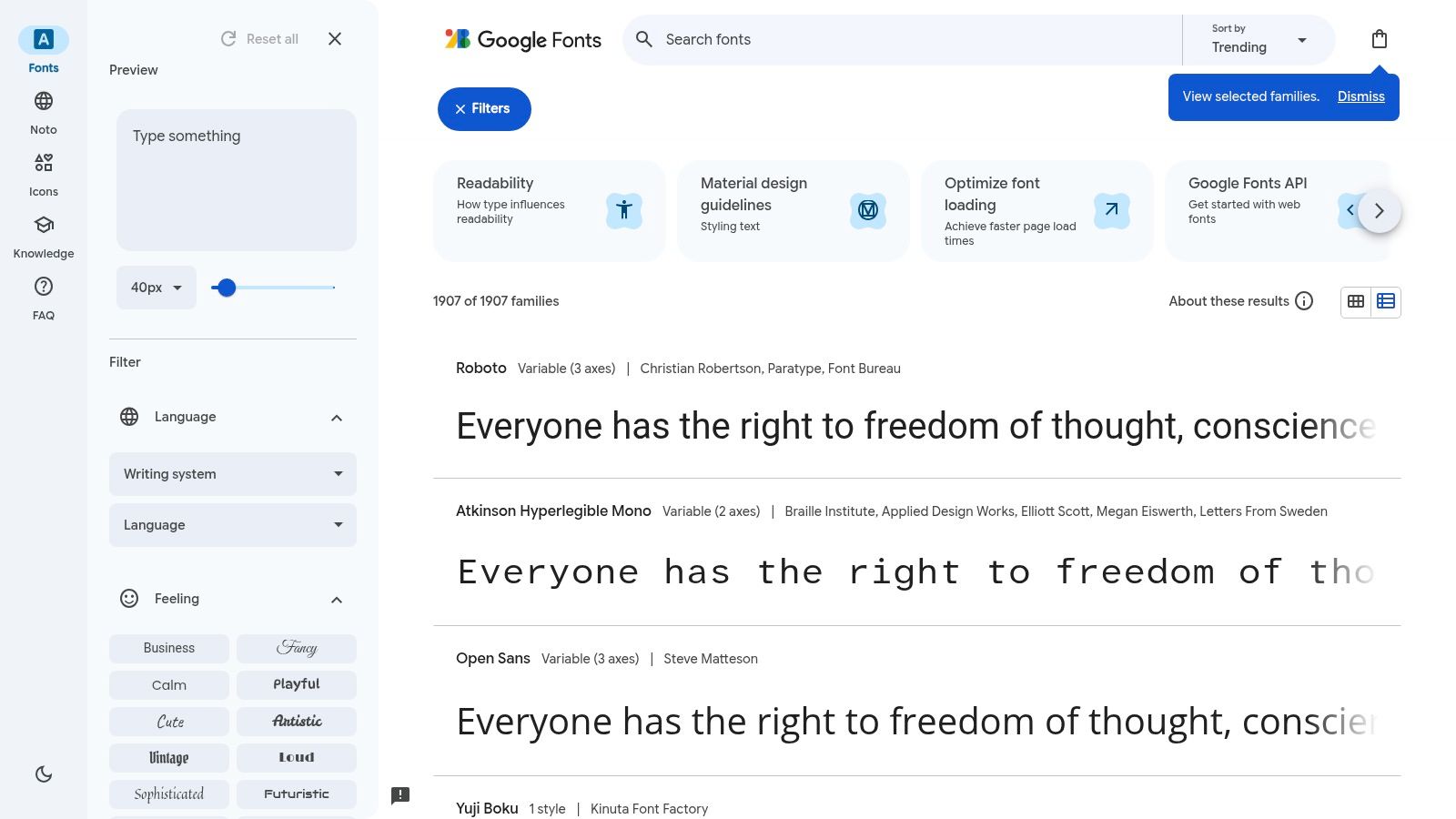
Google Fonts has a user-friendly interface and practical tools. These tools simplify the font selection process. The clean design lets you preview custom text and adjust font sizes. You can even see recommended font pairings on the site. This feature helps you see how a font will look before you download it.
The platform also supports global accessibility. Its Noto font collection aims to support all languages. This makes it a great choice for international applicants.
Key Features and Usage Tips
- Pricing and Licensing: 100% free. All fonts are open-source. They can be used for personal and commercial projects without any fees.
- Selection and Quality: The collection is large enough for professional documents. The quality is consistently high. Fonts are checked for web and print performance.
- User Experience: The website is fast and easy to navigate. You can filter by category, language, and font properties. This helps you narrow down choices quickly.
How to Use Google Fonts Effectively for Your Resume
- Filter for Legibility: Start by filtering for "Sans Serif" or "Serif" categories. These are best for resumes.
- Test Your Content: Use the custom text preview. Type your name and a sample job description. Check how it looks at different sizes (e.g., 10-12pt for body, 16-20pt for headers).
- Check Pairings: Use the "Pairings" tab to get professional suggestions for your headers and body text.
- Download and Install: Once you choose a font, click "Download family." Unzip the file and install the
.ttfor.otffiles on your computer. You can use them in Microsoft Word, Google Docs, or a tool like the GainRep resume builder.
Website: https://fonts.google.com
2. Adobe Fonts
Adobe Fonts is a powerful resource for finding premium fonts for resume creation. It is integrated directly into Creative Cloud. This library offers thousands of high-quality fonts from world-renowned foundries. Its key advantage is seamless synchronization. You can activate a font with one click. Then you can use it instantly in applications like Adobe InDesign or Illustrator.
Adobe Fonts provides access to many classic and respected font families. These fonts are highly favored by recruiters. The platform’s integration eliminates the need to download and install font files manually. This streamlines your workflow. It ensures you have access to professional typography right where you need it.
Why It Stands Out
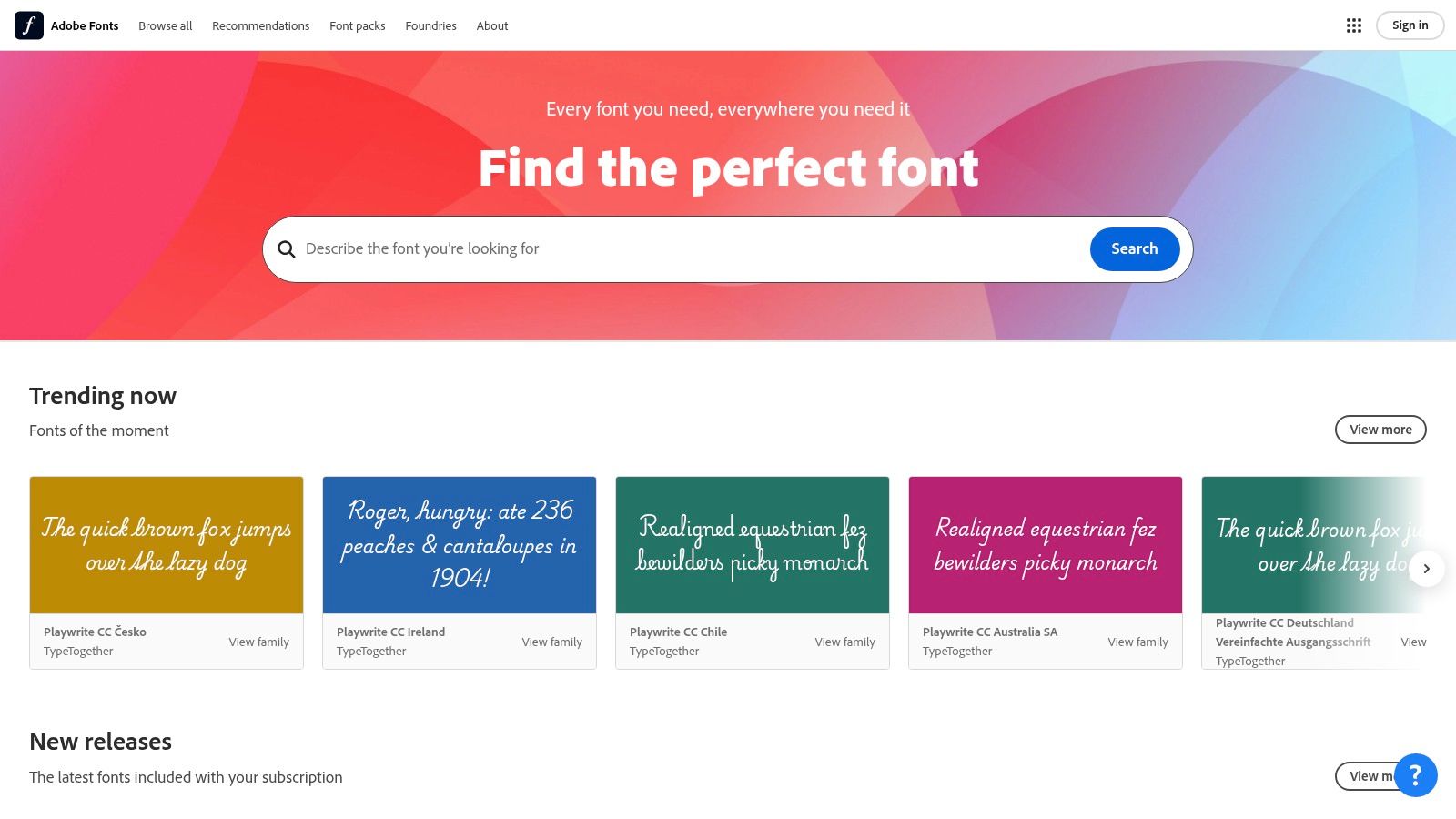
Adobe Fonts works well with professional design software. If you build your resume in an Adobe app, no other service is this convenient. You can browse, test, and activate fonts without leaving your project. This is perfect for designers, marketers, and other creative professionals.
The quality of the library is another big plus. Adobe Fonts includes many premium families known for their legibility. This curated selection means you spend less time sifting through mediocre options. The platform's broad language support also makes it a strong choice for international job seekers.
Key Features and Usage Tips
- Pricing and Licensing: Access is tied to an Adobe Creative Cloud subscription. A paid subscription is required for the full library. Fonts are licensed for both desktop and web use.
- Selection and Quality: The selection is vast and features many iconic typefaces. The quality is exceptionally high. Fonts are optimized for both print and digital applications.
- User Experience: The interface is clean and syncs flawlessly with Adobe apps. Filtering by tags and classifications makes finding the right font simple.
How to Use Adobe Fonts Effectively for Your Resume
- Filter by Classification: Start by filtering for "Sans Serif" or "Serif" to find resume-appropriate styles. You can also use tags like "legible."
- Activate, Don't Download: Instead of downloading files, just click the "Activate Font" toggle. It will immediately become available in your Adobe apps.
- Test in Your Design App: Use the activated font directly in InDesign or Illustrator. See how it looks with your actual resume content.
- Export as a PDF: Once your resume is complete, export it as a PDF. Adobe apps will automatically embed the font data. This ensures your resume looks perfect on any device. For an easier process, use these fonts with a tool like the GainRep resume builder.
Website: https://fonts.adobe.com
3. MyFonts
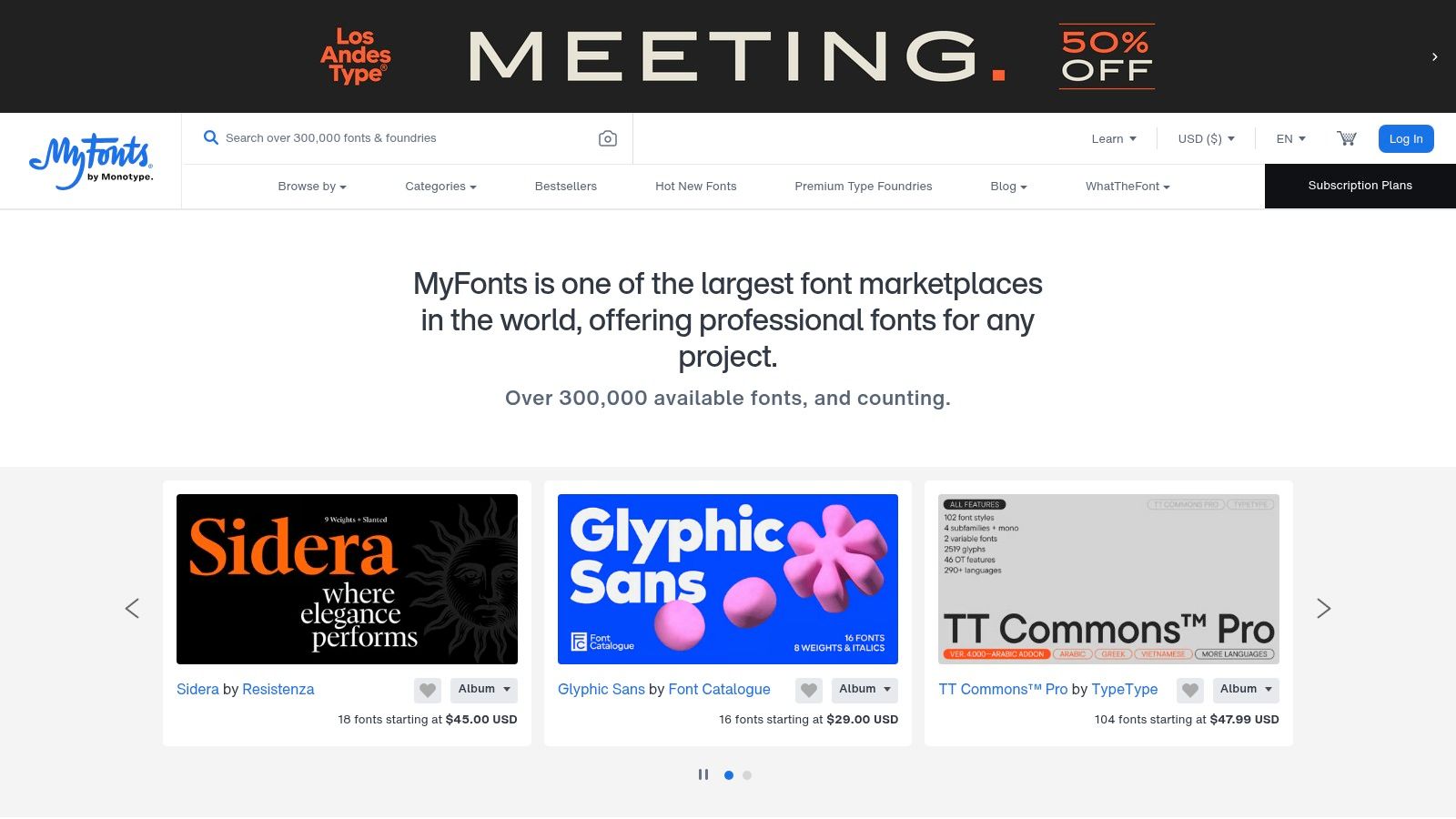
MyFonts is a leading digital marketplace for premium fonts. It boasts a huge library of over 300,000 fonts from famous foundries. This platform is ideal when you need high-end fonts for resume documents. A unique font can help your application stand out. This is especially true in design-focused or executive roles.
The main appeal of MyFonts is its large selection of commercially licensed fonts. It provides access to exclusive and classic typefaces like Proxima Nova and Avenir. Purchasing a font here ensures you have a legitimate license. This is crucial for professionals like designers who use the font across their personal branding.
Why It Stands Out
MyFonts stands out with its large scale and quality catalog. It is a one-stop shop for fonts from almost every major foundry. The platform’s search and filtering tools help you discover fonts. You can search by classification, style, and even mood.
The licensing process is also clear and simple. When you buy a font, you get a clear record of your purchase and license. This information is stored in your account. This professionalism is valuable for those who want to use fonts correctly and legally.
Key Features and Usage Tips
- Pricing and Licensing: Paid. Prices vary greatly by font and foundry. Desktop licenses are most common for resumes and are a one-time purchase.
- Selection and Quality: The selection is vast. Quality is exceptionally high, as you are buying from professional type designers.
- User Experience: The website is well-organized with powerful search tools. You can test custom text in any font before buying.
How to Use MyFonts Effectively for Your Resume
- Search with Intent: Use the search bar if you have a specific font in mind. Otherwise, use filters like "sans-serif" or "humanist" to explore options.
- Test Drive Before Buying: Use the preview feature. Type your name, contact info, and a work experience sample to see how the font performs.
- Choose the Right License: For a resume, a "Desktop" license is all you need. This lets you install the font on your computer.
- Download and Install: After purchasing, download the font files from your account. Install them on your system to make them available in your word processor or a tool like the GainRep resume builder.
Website: https://www.myfonts.com
4. Fontspring
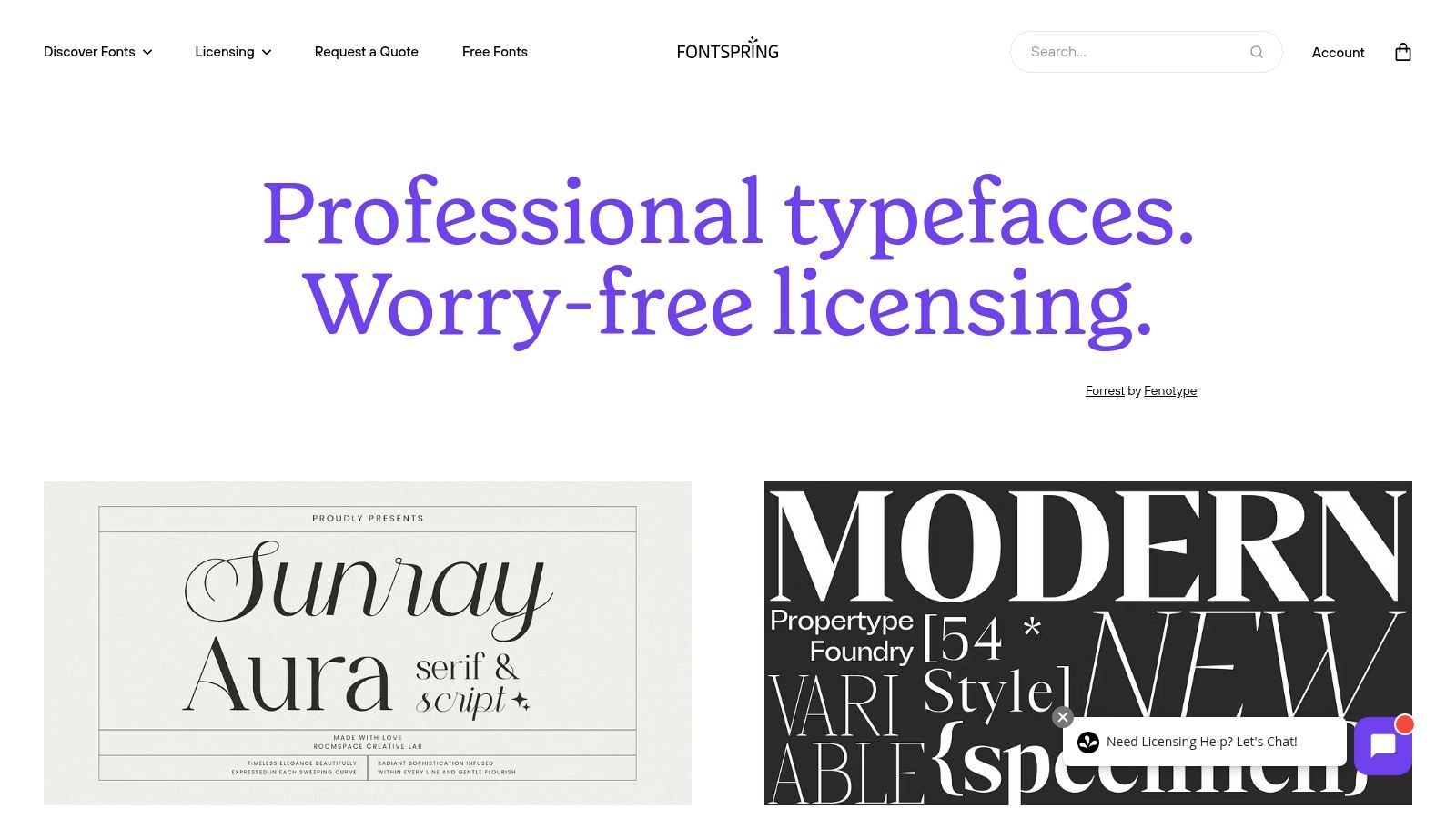
Fontspring is a font marketplace with a simple approach to licensing. It is a great choice for professionals who want to buy a unique font for their resume. The platform’s main draw is its “Worry-Free” licensing. This often includes a perpetual desktop license. You pay once and can use the font on your computer forever.
This model is perfect for job seekers looking for premium fonts for resume documents. You can establish a consistent personal brand across your resume and cover letter. Fontspring provides access to high-quality fonts from independent foundries. This allows your application to stand out with a polished look.
Why It Stands Out
Fontspring’s simple licensing sets it apart from larger marketplaces. The “Worry-Free” badge clearly identifies fonts with simple licenses. This removes the guesswork that can come with buying fonts.
Many fonts on the platform also offer free demos. This allows you to download and test a font in your resume document before buying. This try-before-you-buy feature is valuable. It helps ensure a font is legible and a perfect fit.
Key Features and Usage Tips
- Pricing and Licensing: Pay-once perpetual licenses are standard. Prices vary, but the one-time cost provides long-term value. Look for the "Worry-Free" badge.
- Selection and Quality: The selection is curated but filled with high-quality typefaces. You will find unique sans-serif and serif options.
- User Experience: The website is clean and easy to navigate. Search filters help you quickly find what you need. The ability to test fonts is a big advantage.
How to Use Fontspring Effectively for Your Resume
- Find "Worry-Free" Fonts: Start your search by filtering for fonts with the “Worry-Free” license. This ensures you get simple usage rights.
- Use the Font-Testing Tools: Use the on-site previewer to type your name and key resume headers. See how the characters look.
- Download Demos: If a demo is available, download and install it. Create a mock-up of your resume page to see the font in context.
- Purchase and Install: Once you choose a font, buy the desktop license. You will receive
.otfor.ttffiles to install on your computer. They will be available in all your applications, including the GainRep resume builder.
Website: https://www.fontspring.com
5. Creative Market
Creative Market is a marketplace where designers offer unique fonts for resume documents. It provides access to fonts crafted by individual creators. This can give your resume a distinctive edge. It is an ideal platform for job seekers who want a professional font that is not overused. The prices are often approachable.
The platform helps you find modern, clean sans-serif and serif font families. Many designers package their fonts with multiple weights and styles. This gives you a complete toolkit for a cohesive resume. You can find a font that reflects your personality and industry.
Why It Stands Out
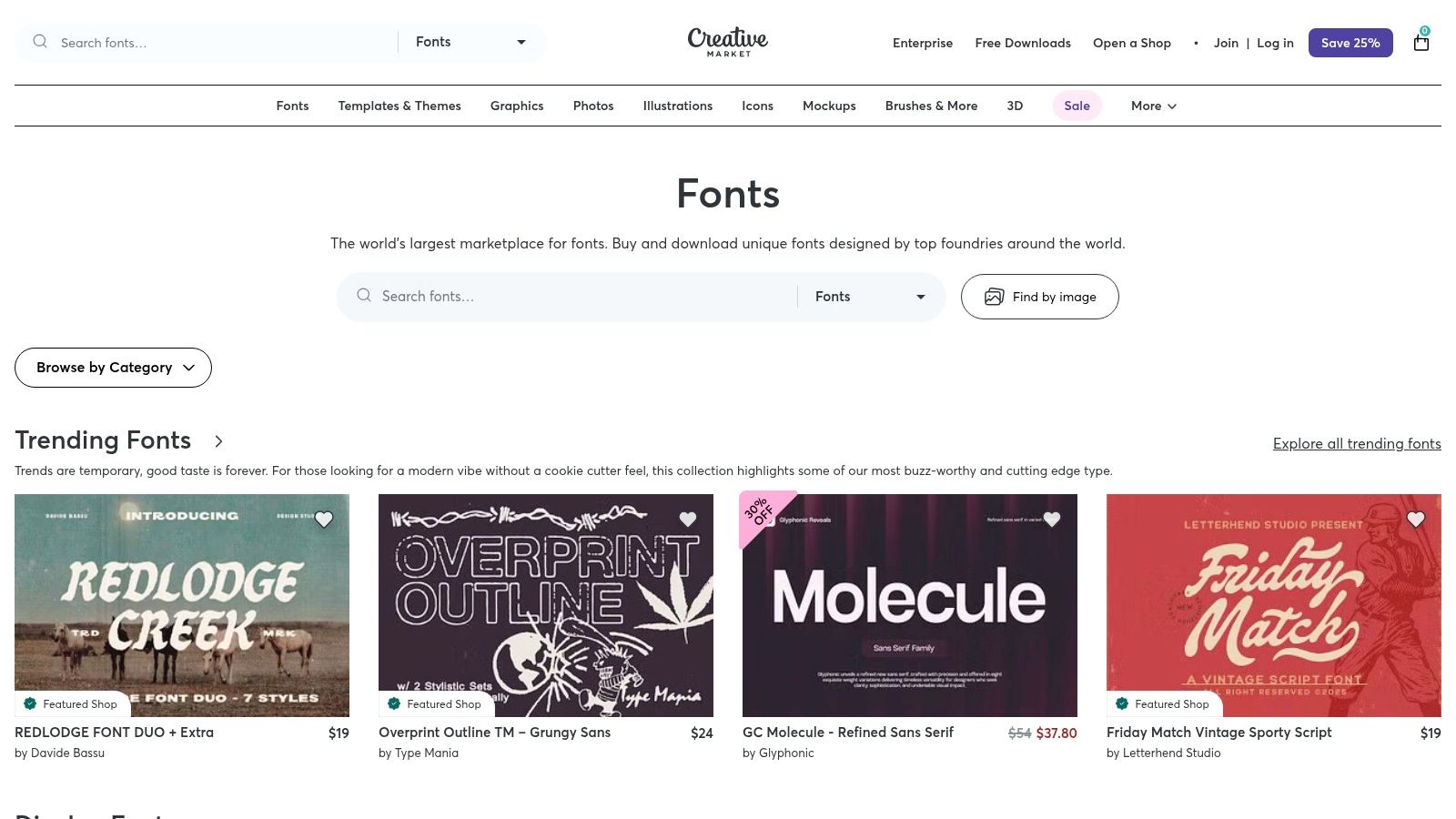
Creative Market offers a large selection of premium fonts without a high price tag. Its search and filtering tools make it easy to discover hidden gems. You can browse by categories like "clean," "modern," or "elegant." The product pages provide extensive previews. They show how the font looks in different contexts and outline licensing terms.
Many listings include helpful guides or showcase ideal pairings. This gives you confidence in your design choice. The community-driven model also ensures a constant flow of fresh designs.
Key Features and Usage Tips
- Pricing and Licensing: Prices vary by creator but are generally affordable. Licensing is clearly stated on each product page. Confirm the terms before buying.
- Selection and Quality: The selection is enormous and diverse. The quality standard can vary. Stick to well-reviewed fonts from established creators for the best results.
- User Experience: The website is highly visual and easy to navigate. The categorization helps you find styles that match your brand. Sales and bundles offer excellent value.
How to Use Creative Market Effectively for Your Resume
- Search with Resume Keywords: Use search terms like "clean sans," "professional serif," or "resume font." This will narrow down the catalog.
- Inspect the Previews: Carefully review the product images. Look for examples of the font used in paragraphs to ensure it is legible.
- Check the Glyphs: Before buying, check if the font includes all necessary characters, such as symbols (@, /).
- Verify Licensing: On the product page, double-check that the "Desktop License" is included. This lets you install the font for use in applications like Microsoft Word, Google Docs, or a tool like the GainRep resume builder.
Website: https://creativemarket.com/fonts
6. Envato Elements
Envato Elements offers a different approach for job seekers. It is a subscription service that provides unlimited downloads of thousands of high-quality fonts for resume designs. It also includes resume templates and graphics. This model offers great value for freelancers or professionals crafting a personal brand.
The platform is ideal for those who want to experiment with multiple premium fonts. You can try out dozens of professional serif and sans-serif fonts. Then you can find the perfect one and build your document. This makes it a creative playground for achieving a polished and unique look.
Why It Stands Out
Envato Elements offers a comprehensive creative toolkit under a single subscription. It is a resource hub, not just a font marketplace. You can download a modern font family, a matching resume template, and icon sets. This integrated ecosystem saves time and ensures a cohesive design.
Its licensing is a key feature. You need an active subscription to download new fonts. But any resume you create and save as a PDF is yours to use forever. This gives you freedom to test premium options for your resume project.
Key Features and Usage Tips
- Pricing and Licensing: A monthly subscription provides unlimited downloads. The license allows for personal and commercial use.
- Selection and Quality: The library is vast and features thousands of professionally designed fonts. Quality is consistently high.
- User Experience: The website is well-organized with powerful filters. This makes it easy to search for specific styles like "minimalist" or "professional."
How to Use Envato Elements Effectively for Your Resume
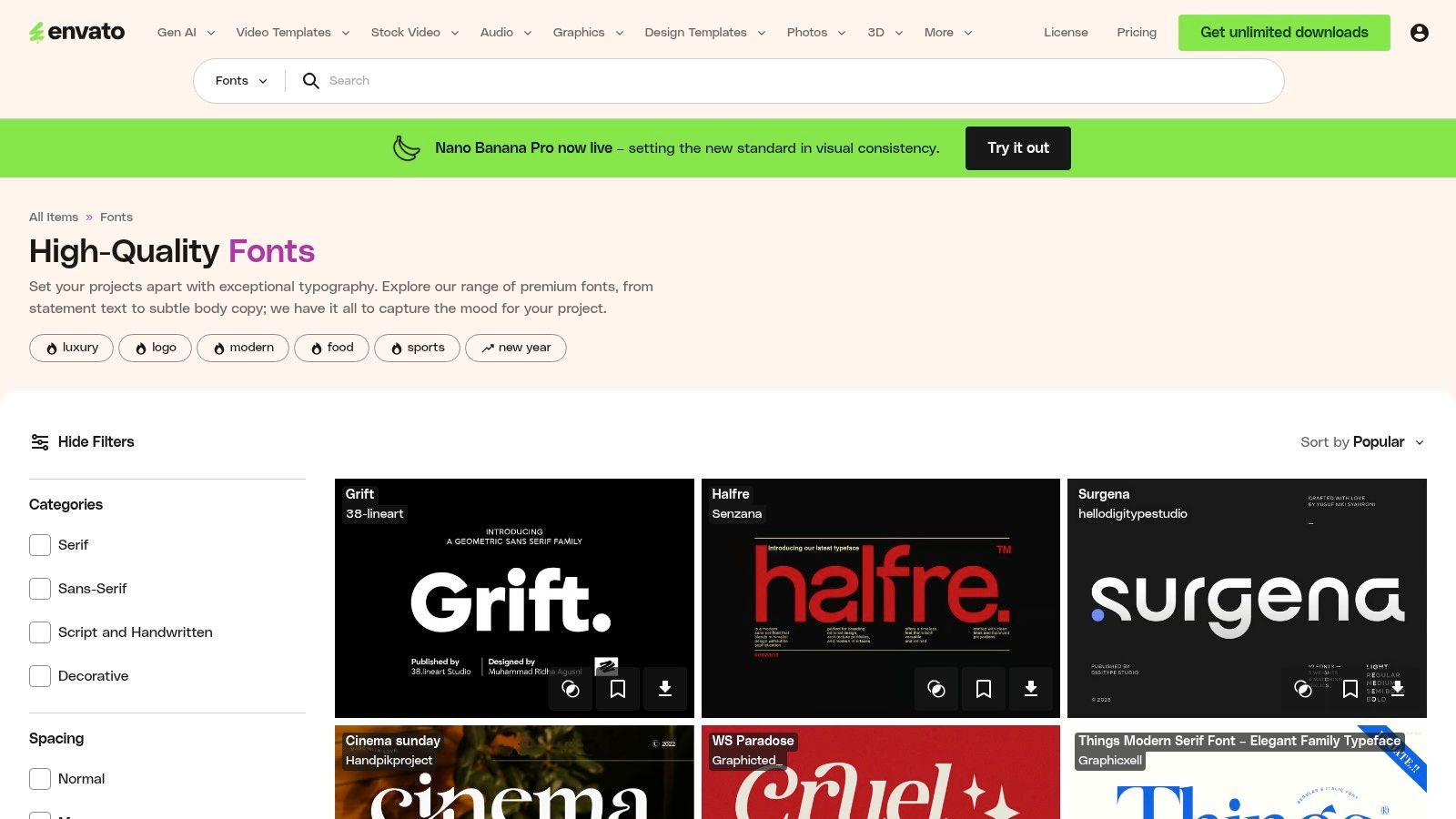
- Use Specific Search Filters: Search for "fonts" and then use filters to select "Sans Serif" or "Serif." You can narrow results by properties like spacing.
- Look for Font Families: Prioritize downloading complete font families. They should include Regular, Bold, and Italic weights. This ensures you have styles for a clear visual hierarchy.
- Combine with Templates: Take full advantage of your subscription. Browse the resume templates category. Find a template and pair it with a font you downloaded.
- Download and Finalize: After installing your font, create your resume. Remember to export the final version as a PDF. This embeds the font and ensures it displays correctly. For a more streamlined process, use these fonts within the GainRep resume builder.
Website: https://elements.envato.com/fonts
7. Font Squirrel
Font Squirrel is a great resource for job seekers needing free fonts for resume creation. It provides a hand-curated collection of fonts that are free for commercial use. This focus on legal clarity makes it an excellent choice. You can create a professional resume PDF without worrying about licensing issues.
The platform acts as a reliable filter. It saves you the time and risk of using sites with unclear terms. It hosts many classic and modern fonts suitable for professional documents. For anyone on a budget who needs a polished look, Font Squirrel offers peace of mind.
Why It Stands Out
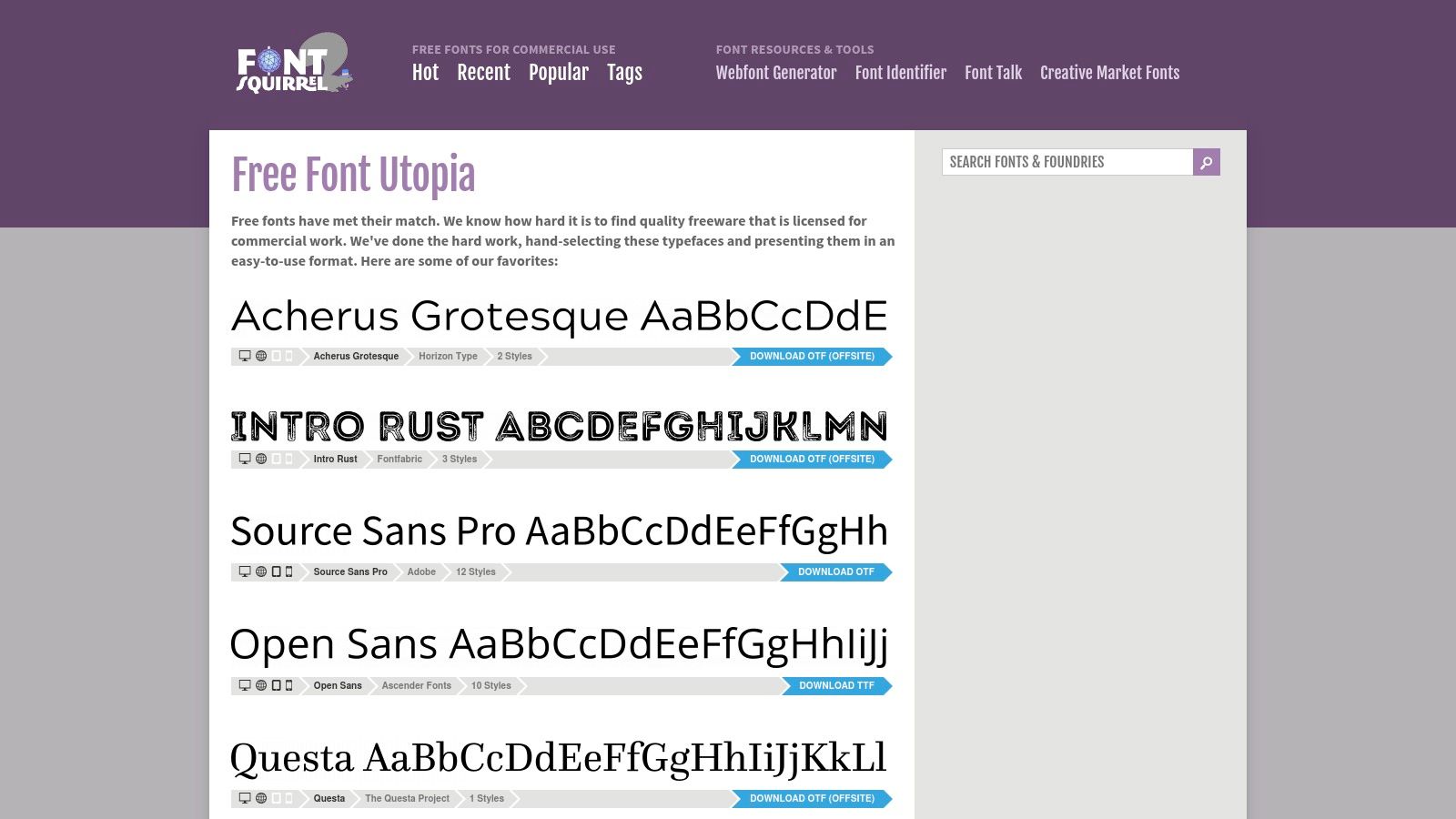
Font Squirrel’s main advantage is its commitment to licensing transparency. Font Squirrel prioritizes quality and legal safety. Each font page includes clear icons and links to the full license agreement. This provides a much safer starting point than a random web search.
The platform also features useful tools. The Font Identifier can find a font's name from an image. The Webfont Generator is useful for web projects. This combination of curated fonts and practical tools makes it a valuable resource.
Key Features and Usage Tips
- Pricing and Licensing: 100% free. The fonts are curated for their commercial-use-friendly licenses. Users should still read the individual license for each font.
- Selection and Quality: The selection is smaller but focused on quality. You will find reliable fonts perfect for resumes, such as Montserrat and Raleway.
- User Experience: The website is straightforward and easy to use. You can filter fonts by classification, tags, and licenses. The download process is simple.
How to Use Font Squirrel Effectively for Your Resume
- Start with Filters: Use the "Classifications" filter to select "Sans Serif" or "Serif." This will narrow your search to resume-appropriate styles.
- Verify the License: Before downloading, check the license information on the font's page. Look for the icon that permits desktop use.
- Use the Test Drive Feature: Type your name and a few lines of your summary into the "Test Drive" area. This shows you exactly how the font will appear.
- Download and Install: Click the "Download" button to get the font files. Unzip the folder and install the files on your computer. They will be available in your word processor or a tool like the GainRep resume builder.
Website: https://www.fontsquirrel.com
Resume Fonts — 7-Provider Comparison
| Service | Implementation complexity 🔄 | Resource requirements ⚡ | Expected outcomes ⭐ / 📊 | Ideal use cases 💡 | Key advantages |
|---|---|---|---|---|---|
| Google Fonts | Low — one‑click web/CSS or download | Very low — free, no license cost | ⭐⭐⭐⭐ — High legibility; broad script coverage 📊 | Resumes, multilingual docs, web projects | Free, clear licensing, fast previewing |
| Adobe Fonts | Low — seamless CC sync (subscription required) | Medium — requires Adobe Creative Cloud plan | ⭐⭐⭐⭐ — Professional classics and reliable rendering 📊 | Creative Cloud workflows, PDF resumes, design apps | One‑click sync to apps; access to well‑known typefaces |
| MyFonts | Medium — purchase and manage licenses | High — per‑font pricing varies by foundry ⚡ | ⭐⭐⭐⭐ — Wide variety; find specific premium faces 📊 | When you need a distinctive professional typeface | Huge catalog (300k+), foundry exclusives, clear receipts |
| Fontspring | Medium — straightforward purchase; perpetual licenses | Medium — one‑time payment; non‑subscription | ⭐⭐⭐ — Long‑term ownership; clear EULAs 📊 | Long‑term desktop use without subscriptions | Transparent, perpetual “Worry‑Free” licensing |
| Creative Market | Low–Medium — per‑product purchase from sellers | Low–Medium — affordable prices; frequent sales | ⭐⭐⭐ — Modern, clean families; variable consistency 📊 | Stylized resumes, templates, affordably curated choices | Good value, strong previews, independent creators |
| Envato Elements | Low — subscription model, unlimited downloads | Medium — monthly/annual subscription required ⚡ | ⭐⭐⭐ — Fast auditioning; many assets while subscribed 📊 | Freelancers/testing multiple fonts and templates | Cost‑effective for bulk access; unlimited downloads while active |
| Font Squirrel | Low — curated free downloads (verify EULA) | Very low — free, but verify license terms | ⭐⭐ — Budget‑friendly, legally flagged options 📊 | Applicants on a budget; simple resume PDFs/print | Curated commercial‑use flags and EULA links |
Turn Your Perfect Font into a Winning Resume
Choosing from the best fonts for your resume is a critical first step. It sets a professional tone. You have explored powerful font libraries like Google Fonts and Adobe Fonts. You understand the importance of readability, ATS compatibility, and industry standards. The difference between Garamond and Lato can change how a hiring manager sees your brand.
Your font carries your experience, but the journey continues. The real impact comes from how you use it. A great font on a poorly structured document loses its power. Your goal is to combine a great font with a clean layout. This guides the reader’s eye and highlights your biggest achievements.
From Font Selection to Actionable Results
The key takeaways are clear. First, readability is non-negotiable. A font must be clear on any screen and at various sizes. Second, context matters. A creative font that works for a graphic designer may not work for an accountant. Finally, consistency is king. A clear typographic hierarchy creates a polished and easy-to-scan document.
Now, it is time to put these principles into action. Here are your next steps:
- Finalize Your Primary Font: Select one primary font based on your industry. Stick with a trusted choice like Calibri, Helvetica, or Georgia if you are unsure.
- Define Your Hierarchy: Set clear rules for your resume's text. For example:
- Your Name: 20-24pt
- Section Headers: 14-16pt, Bold
- Job Titles/Subheadings: 11-12pt, Bold or Italic
- Body Text: 10-12pt, Regular
- Build with a Professional Tool: This is where your font choice comes to life. A dedicated resume builder ensures your formatting is perfect. It also optimizes your document for applicant tracking systems. It removes guesswork so you can focus on your content. To extend your brand online, consider using a dedicated website builder for your resume portfolio to show your work in a dynamic format.
Your Complete Job Search Toolkit
With your perfect font selected and your resume crafted, you are ready to make a strong impression. The right tools can boost your efforts. They can streamline the job application process and turn a great resume into actual interviews.
A comprehensive platform becomes your greatest asset. At GainRep, we provide tools to create a standout resume and get it to the right people. Our resume builder at https://www.gainrep.com/resumes uses professional design principles. It allows you to apply the perfect fonts for your resume and create a polished, ATS-friendly document in minutes.
Once your resume is ready, the job hunt begins. Our AI Auto-Apply tool at https://www.gainrep.com/ai-auto-apply handles the tedious work of applying for jobs. It matches your skills to relevant opportunities and submits applications for you. By combining a powerful font, a professional resume, and an intelligent application system, you position yourself for success.
Ready to pair your perfect font with an unbeatable resume? Gainrep offers intuitive, ATS-optimized templates that make your qualifications shine, ensuring your carefully chosen typography has the maximum impact. Visit Gainrep to build a resume that opens doors and start your job search with a powerful advantage.
