


Finding a new job can feel like a full-time role. You spend hours changing your resume. You write many cover letters. You fill out the same forms again and again. This process is slow and tiring. The good news is that new technology can help. This article lists the best AI job search tools to make your job hunt easier.
We will look at tools that handle repetitive tasks. They can also fix your resume for company software. And they can match you with the right jobs. For each tool, we explain what it does and who should use it. You will see its key features, its good and bad points, and its price. We also include pictures and links so you can check them out yourself.
This guide is for anyone who wants a more efficient job search. It works for new graduates, experienced workers, and freelancers. These AI tools can give you a real advantage. If you are new to a field like tech, a good starting point is a comprehensive guide to breaking into tech. Our goal is to help you pick the right tools. You can build a great resume with a powerful resume builder. You can also automate sending applications with tools like Gainrep’s AI Auto-Apply. Let's begin.
1. Gainrep
Gainrep is a complete career platform. It combines social proof with smart automation. It goes beyond simple job searching. It creates a single place for your professional reputation, resume, and AI-powered applications to work together. This complete approach makes it one of the best ai job search tools for professionals who want a strategic advantage.
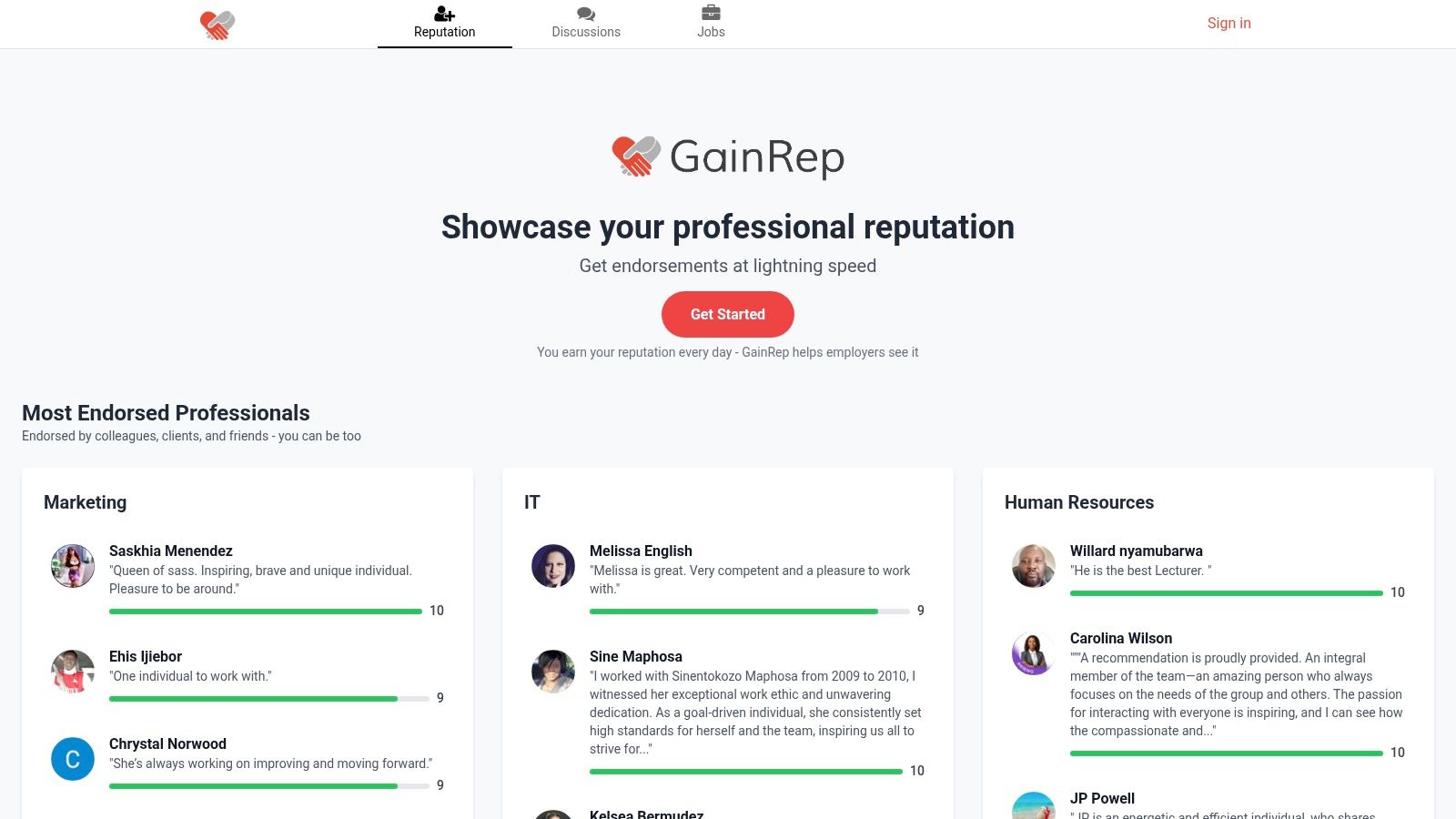
GainRep’s smooth workflow really sets it apart. You can start by building a strong reputation with endorsements from colleagues. Employers can see these endorsements. This social proof is then linked to a professional resume made with the platform's builder. Lastly, its AI Auto-Apply feature finds matching jobs and applies for you. It uses AI to write tailored cover letters. This greatly increases your chances of getting interviews.
Key Features and Workflow
- Reputation-First Endorsements: The platform's main feature is collecting and showing peer endorsements. This creates instant, real social proof for hiring managers. It adds a layer of trust that a normal resume cannot.
- AI Auto-Apply: This tool saves a lot of time. It finds jobs that fit your resume and applies for you. It creates custom cover letters for each application. This helps you get past Applicant Tracking Systems (ATS). To learn more, visit GainRep's AI Auto-Apply page.
- Integrated Resume Builder: Make a polished, professional resume using proven templates. This ensures your application looks as good as your reputation. Check out the resume builder features.
- Community Q&A: Get career advice and interview tips from a community of peers. This helps you prepare for every step of the hiring process.
Ideal User and Practical Application
GainRep is perfect for professionals who want to control their career story. New graduates can use it to build credibility. Freelancers can use endorsements to get clients. Experienced job seekers can use automation to apply to more jobs efficiently. The platform is for those who know that a great reputation and smart technology lead to better opportunities.
Website: https://www.gainrep.com
| Pros | Cons |
|---|---|
| Unified Workflow: Combines reputation, resume building, and AI applications in one seamless platform. | Pricing Transparency: Premium plan details are not clearly listed on the main site. |
| Powerful Social Proof: Visible endorsements and high ratings provide tangible credibility to employers. | Data & Privacy: Uses cookies and shares analytics; users should review the privacy policy. |
| Time-Saving Automation: AI Auto-Apply significantly scales job search efforts and boosts application volume. | Niche Focus: The emphasis on reputation may feel less direct than traditional, high-volume job boards. |
| Comprehensive Tools: Includes resume templates and career advice to improve application quality. |
2. LinkedIn
LinkedIn started as a professional network. It is now a powerful job search hub that uses AI. Most people know the platform. But its newer AI features make it one of the best AI job search tools for finding jobs and seeing how you fit in the market. Its biggest strength is its size. Millions of employers and recruiters use it. This gives you access to jobs in almost every industry.
Its AI works mainly in its search and analysis tools. Premium members can use normal language to search for jobs. For example, you can type “find remote marketing jobs that require SEO skills but not a degree.” LinkedIn’s AI understands this and shows relevant jobs. For some roles, an AI chatbot gives advice. It summarizes the job and tells you how well your profile matches. This helps you quickly decide if a job is worth applying for.
Key Features & User Experience
LinkedIn’s design is familiar to most people. The best AI tools are part of its Premium subscription.
- AI-Powered Job Search: Ask for jobs in plain English. This makes it easier to find roles with specific needs.
- AI Chatbot Guidance: Get instant feedback on how well you fit a job. You can also ask questions about the role on the job posting page.
- "Top Applicant" Insights: AI compares your profile to other applicants. It shows you where you stand and what skills you might be missing.
- Easy Apply: This feature lets you apply to many jobs with one click. It is still best to tailor your application for your top choices.
Actionable Tip: To get the most from LinkedIn's AI, make sure your profile is complete. Add relevant keywords and skills. The platform's AI uses your profile data to find good job matches for you.
Pricing, Pros, and Cons
LinkedIn has a free version with basic job search tools. Its advanced AI features are in the LinkedIn Premium Career plan. This usually costs around $29.99 to $39.99 per month. Prices can change.
Pros:
- Unmatched Network: The largest professional network means more jobs and direct contact with recruiters.
- Integrated Platform: It combines networking, job search, and learning in one place.
- Actionable Insights: Premium AI features give you an edge by analyzing your fit against other candidates.
Cons:
- Paywalled AI: The most useful AI tools require a paid subscription.
- High Competition: The "Easy Apply" feature can lead to many people applying for the same job.
Website: https://www.linkedin.com
3. Indeed
Indeed is one of the world's largest job sites. It has invested a lot in AI to make the user experience better. As a leader in the job search world, its strength is the huge number of jobs it lists. The platform uses AI to personalize job recommendations. It also explains why a certain job is a good fit for you. This makes it one of the best AI job search tools for broad searches.
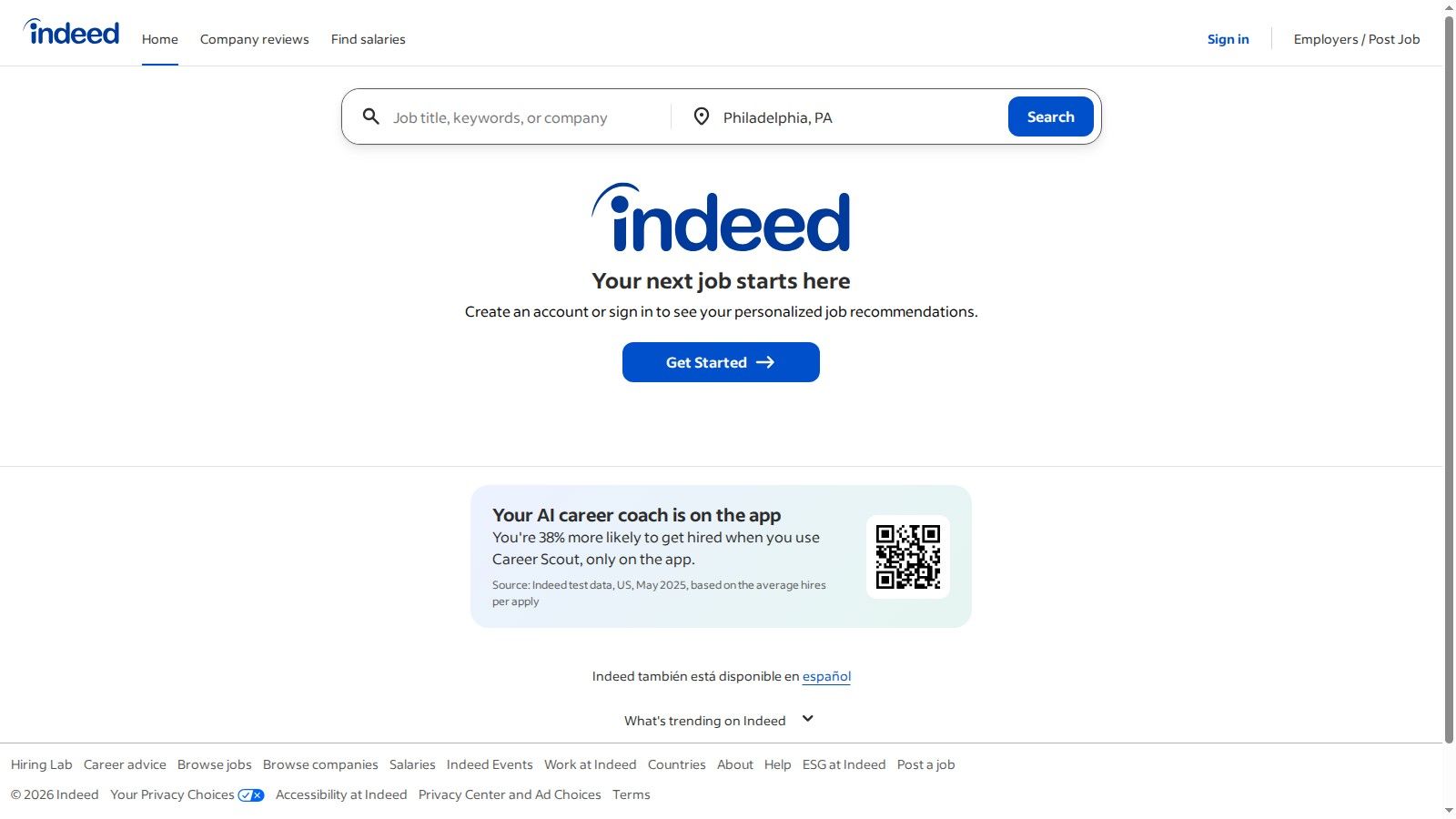
The platform is growing its AI tools. It has plans for more advanced features. It has announced a personal AI agent called Pathfinder. It is designed to help people find new career paths. This is expected to be available starting in 2025. Also, its Indeed Flex service offers a free AI-assisted resume builder. This helps job seekers create good resumes quickly. This mix of a huge job inventory and new AI tools makes it a key resource for any job search.
Key Features & User Experience
Indeed's design is simple and focused on search. Its AI features are made to make finding jobs easier.
- AI‑Powered Job Recommendations: The platform's algorithm looks at your search history, resume, and profile to suggest jobs. It also explains why a job is a good match.
- Pathfinder AI Agent: This is an upcoming feature. It will give personalized career advice and help users explore different job options.
- Free AI Resume Builder: This tool, available through Indeed Flex, helps you create a professional resume for your target jobs.
- Massive U.S. Job Inventory: It provides great access to job listings from company websites and recruiters across the United States.
Actionable Tip: Use very specific keywords and filters in your first searches. Indeed's AI learns from what you do. The more specific you are, the better your job recommendations will be.
Pricing, Pros, and Cons
Indeed's main job search and resume tools are free for job seekers. The platform earns money from employers who pay to post jobs and see its candidate database.
Pros:
- Extensive Job Listings: It has jobs in almost every industry and role in the U.S.
- No Cost to Job Seekers: All main AI-powered search and application tools are free.
- Clear AI Roadmap: Announcing tools like Pathfinder shows a commitment to future AI improvements.
Cons:
- Variable Listing Quality: Because there are so many jobs, you might have to look through many to find good ones.
- New AI Features Are Rolling Out: Some of the most advanced AI tools, like Pathfinder, are not yet available for everyone.
Website: https://www.indeed.com
4. ZipRecruiter
ZipRecruiter is a large job marketplace. It uses a powerful AI matching engine to simplify hiring. Instead of just using keyword searches, its technology learns what you like. It then sends you handpicked job matches. It is one of the best AI job search tools because it is proactive. This is great for job seekers who want a steady flow of good job openings without a lot of manual work. The platform’s AI works behind the scenes to quickly connect the right people with the right jobs.
The main part of ZipRecruiter's AI is its smart matching technology and its AI career assistant, "Phil." Phil helps you through your job search. It asks questions to understand your skills and goals. Then it recommends specific jobs. This is very helpful if you are not sure what job title to search for. The platform's AI looks at your resume and what you do on the site. It continuously improves its recommendations to be more relevant.
Key Features & User Experience
ZipRecruiter’s design is clean and easy to use, especially on mobile. The tools for job seekers are free and made for speed and simplicity.
- AI Smart Matching: The technology learns from your actions to send very relevant job recommendations to your email.
- Conversational AI Assistant ("Phil"): An AI-powered guide that helps you find jobs by asking about your experience and what you want.
- 1-Tap Apply: This lets you quickly send your resume and profile to jobs, which makes applying easier.
- Real-Time Alerts: Get instant notifications when new jobs that match your profile are posted. This gives you an edge.
Actionable Tip: Talk to the "Phil" AI assistant as much as you can. The more you tell it about your skills, desired salary, and career goals, the better your job recommendations will be.
Pricing, Pros, and Cons
ZipRecruiter is completely free for job seekers. Employers pay to post jobs. This ensures there are always legitimate job openings on the platform.
Pros:
- Excellent Matching AI: It proactively sends well-matched jobs. This saves you time on manual searching.
- Quick and Easy: It's simple to set up. The "1-Tap Apply" feature makes applying to many jobs fast.
- Helpful AI Guidance: The "Phil" assistant is great for exploring options if you don't have a specific job title in mind.
Cons:
- Less Customization: The tools are simpler. They may offer less detailed control than some other platforms.
- Varying Job Quality: The quality of job posts can differ. It is a large site open to many kinds of employers.
Website: https://www.ziprecruiter.com
5. Teal
Teal is like a command center for your job search. It mixes powerful organization tools with focused AI features. It is not a job board. It is an intelligent workspace that helps you manage applications from different sites. Its Chrome extension lets you save jobs from over 50 platforms. It pulls them into one tracker. This makes Teal one of the best AI job search tools for staying organized while applying online.
The platform's AI is great at creating and improving content. It helps you quickly write strong resume bullet points, professional summaries, and tailored cover letters. It looks at the keywords in a job posting. Then it tells you which words to include in your application. This greatly improves your chances of passing applicant tracking systems (ATS). This focus on practical help for your application sets it apart.
Key Features & User Experience
Teal's user experience is centered around a clean, simple dashboard. It brings together every part of your job hunt. The browser extension is the main feature, making it easy to save and track jobs.
- AI Content Creation: Generate optimized resume bullets, summaries, and cover letters based on job description keywords.
- Centralized Job Tracker: Use the Chrome extension to bookmark jobs from any major job board and manage them in one place.
- Keyword Matching: The tool analyzes job descriptions and highlights the most important keywords to include in your resume.
- Unlimited Resumes: The free plan allows you to create and store an unlimited number of tailored resumes for different applications.
Actionable Tip: Use the Teal job tracker to monitor every stage of your applications. Add notes from interviews and follow-up reminders. This ensures no opportunity is missed. This organized method is vital for a modern job search.
Pricing, Pros, and Cons
Teal has a strong free version. It includes unlimited resumes and job tracking. For advanced AI features, you need the Teal+ subscription. This costs around $9 per week or $29 per month.
Pros:
- Excellent Organizer: Great for managing a search across multiple job boards like LinkedIn and Indeed.
- Generous Free Tier: The free plan offers unlimited resume creation and job tracking, which is a great value.
- Practical AI Tools: The AI focuses on real results like resume bullets and keyword optimization that directly improve applications.
Cons:
- Paywalled AI Features: The best AI writing tools and unlimited AI credits are only in the paid Teal+ plan.
- Browser Extension Dependent: The main features depend heavily on using the Chrome browser extension.
Website: https://www.tealhq.com
6. Simplify
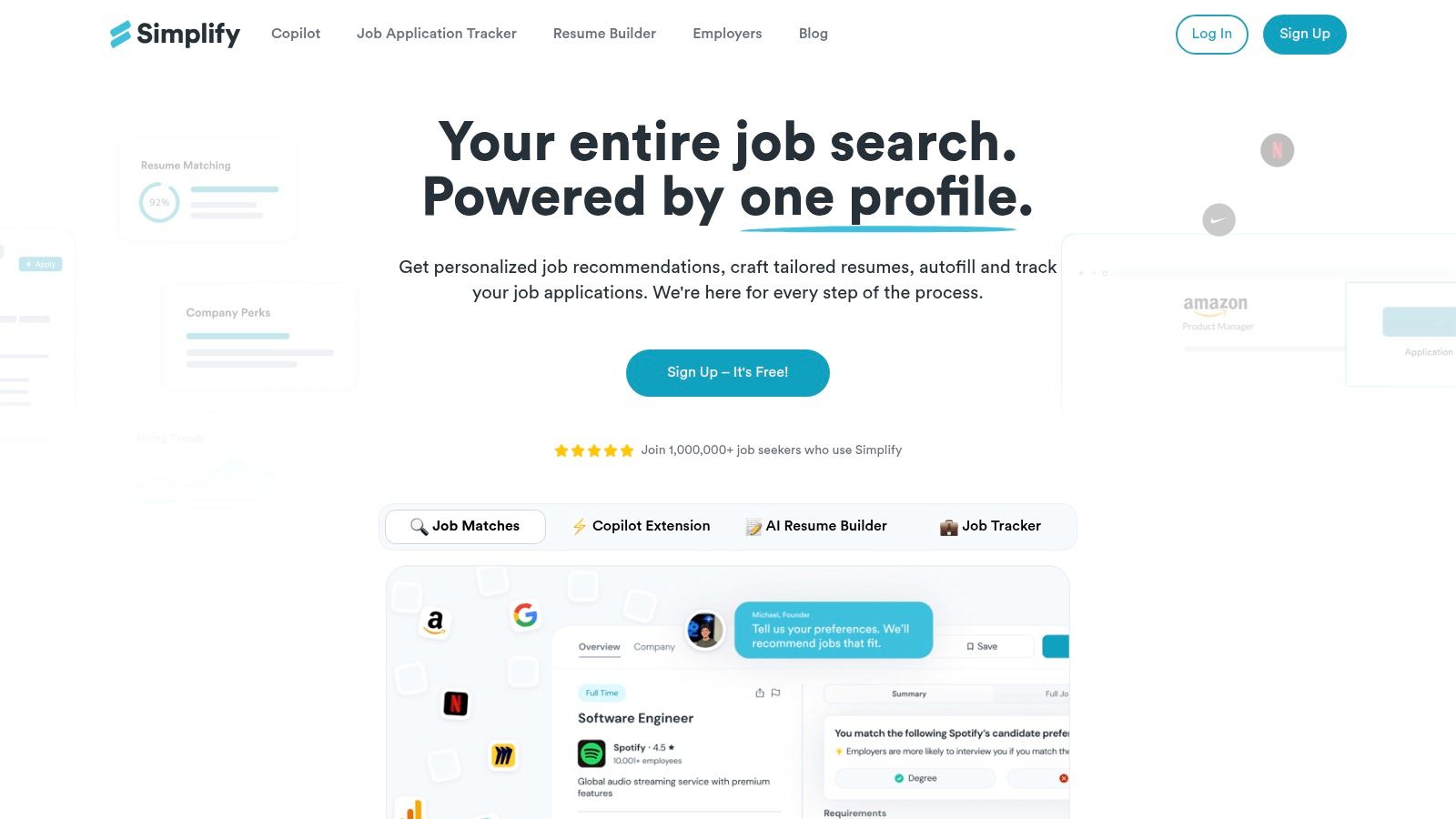
Simplify solves one of the most boring parts of the job search: filling out endless forms. It is a browser extension and platform made to automate this repetitive work. This makes it one of the best AI job search tools for people who apply to many jobs. Instead of just finding jobs, Simplify speeds up the application process. It uses AI to autofill forms on major Applicant Tracking Systems (ATS) like Workday, Greenhouse, and Lever.
The tool works by saving your information. Then, its AI smartly fills in the fields on different application websites with a single click. It also has AI features to create tailored resumes and cover letters quickly. It highlights keywords from the job description to help you pass initial screenings. This focus on making applications more efficient is what makes it a great tool for anyone tired of manual data entry.
Key Features & User Experience
Simplify works directly in your browser. This makes its features available on most job sites. The user experience is designed for speed and ease.
- One-Click Autofill: Automatically fills out job applications on hundreds of career sites. This saves a lot of time on each application.
- AI-Powered Resume/Cover Letter Generation: Creates custom documents tailored to the specific keywords in a job posting.
- Built-in Job Tracker: Keeps a log of all your submitted applications. This helps you stay organized without a separate spreadsheet.
- Personalized Job Recommendations: Suggests relevant openings based on your profile and application history.
Actionable Tip: Always check the autofilled information before you submit. The AI is powerful, but different ATS layouts can sometimes cause small errors. A quick review makes sure everything is accurate.
Pricing, Pros, and Cons
The main autofill extension is free. Advanced features, like unlimited AI-generated resumes and cover letters, are in the premium subscription. There are different price levels available.
Pros:
- Massive Time Saver: Greatly reduces the time spent on filling out repetitive application forms.
- Wide Compatibility: Works with most major ATS platforms used by employers.
- Well-Rated Extension: Highly praised by its large user base for being reliable and easy to use.
Cons:
- Verification Required: Users must check autofilled data for accuracy before submitting an application.
- Freemium Model: The most powerful AI generation tools are behind a paywall.
Website: https://simplify.jobs
7. Sonara
Sonara is a "set-and-go" AI job search agent. It is for job seekers who want to reach more companies with less daily work. It works by constantly searching for new job listings that match your criteria, 24/7. What makes Sonara special is its powerful automation. It not only finds and scores potential jobs, but it can also be set up to automatically apply to them for you. This makes it one of the best AI job search tools for a high-volume strategy.
This platform is great for people in the early stages of their search. It is also good for busy professionals who cannot manually look through hundreds of listings. The AI acts as your personal job-finding assistant. It filters jobs based on your profile, skills, and preferences. It then shows you a curated list of roles and tracks the status of every application, whether it was sent automatically or manually.
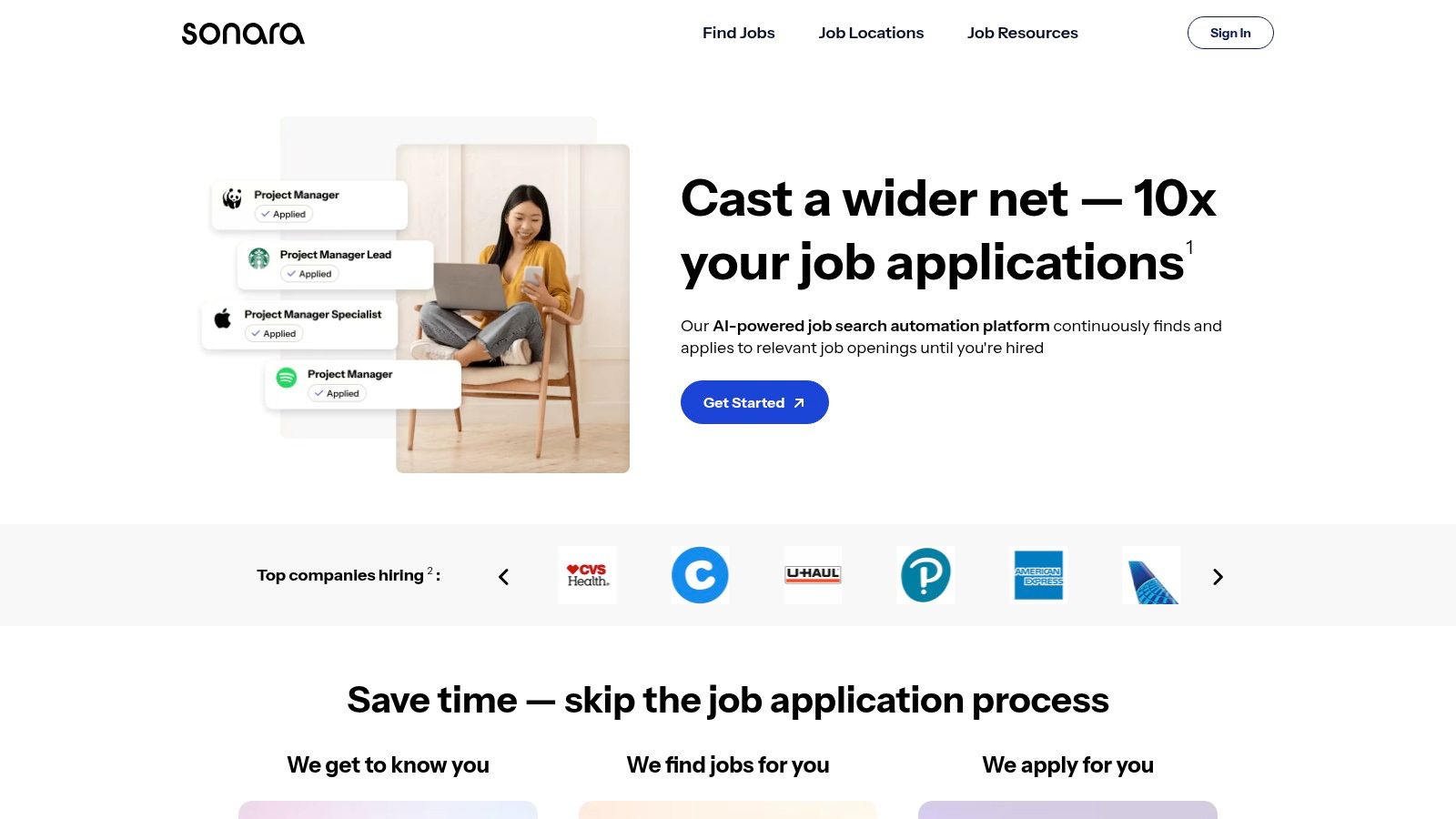
Key Features & User Experience
Sonara’s interface is clean and focused on setting up your job search preferences. Once you set it up, the system mostly runs on its own.
- Continuous Job Scanning: The AI never stops looking for new roles. This ensures you see opportunities as soon as they are posted.
- Automated Applications: You can allow Sonara to automatically send your resume and basic information to jobs that meet a certain match score.
- Match Scoring & Tracking: Each job gets a relevance score. The platform keeps a dashboard of all submitted applications and their statuses.
- Customizable Filters: Users can set specific filters for job titles, locations, company types, and keywords to adjust the AI's search.
Actionable Tip: Sonara’s automation is its best feature. However, it's a good idea to check the jobs it's applying to from time to time. Use the dashboard to pause the automation if you want to manually tailor an application for a top-priority role.
Pricing, Pros, and Cons
Sonara uses a subscription model with different service levels. There is a free plan that finds jobs but does not apply for you. Paid plans with auto-apply features start around $49.99 per month. More advanced options are available.
Pros:
- Saves Significant Time: The hands-off, automated application process is perfect for busy job seekers.
- Broad Market Exploration: Excellent for finding a wide range of opportunities you might otherwise miss.
- Simple "Set-and-Go" Model: It requires very little daily management once your profile and preferences are set.
Cons:
- Less Personalization: Automated applications are naturally less tailored than manual ones.
- Manual Review Still Needed: Relying only on automation can lead to missed opportunities or applications to jobs that are not a good fit.
Website: https://www.sonara.ai
8. LoopCV
LoopCV uses a unique, automation-first approach. It is a platform for sending out many targeted applications. Instead of focusing on finding individual jobs, it lets you set up "loops." These loops automatically search for and apply to jobs on multiple boards based on your criteria. This makes it one of the best AI job search tools for users who want to apply to many jobs and see what works.
The platform is built for efficiency and scale. It turns the job application process into a numbers game powered by technology. You give it your resume, set your job title, location, and other preferences. LoopCV’s AI does the rest. It applies to dozens or even hundreds of jobs for you. Its strength is its ability to A/B test different resumes or cover letters. It provides data on which versions get a better response.
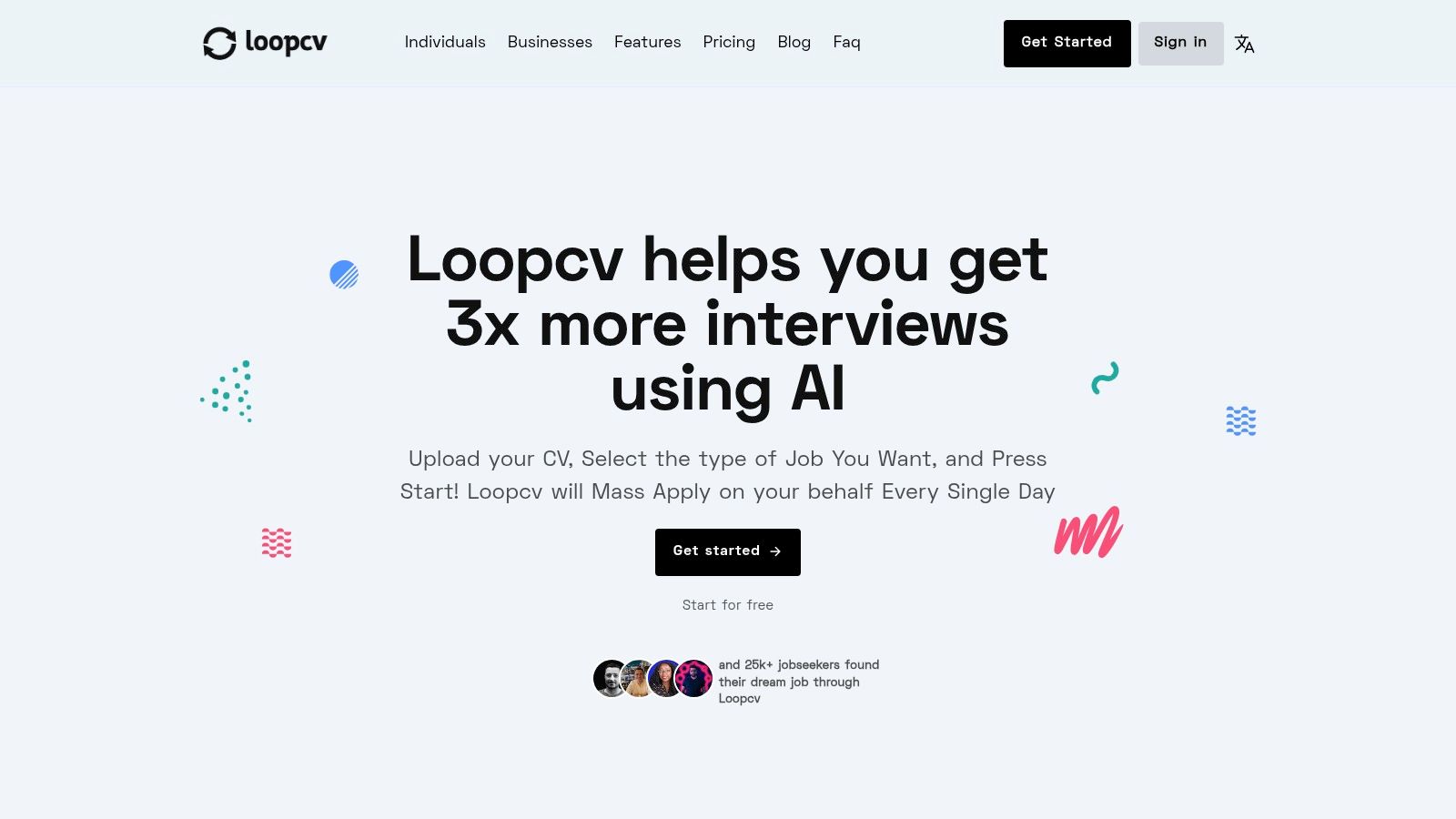
Key Features & User Experience
LoopCV’s interface is a dashboard. It focuses on setting up loops and checking analytics, not browsing individual jobs.
- Automated Job Applications: Set up multiple "loops" to continuously search and apply to jobs that match your criteria across various job boards.
- A/B Testing: Upload different versions of your CV to see which one gets a better response from recruiters.
- Performance Analytics: Track the number of applications sent, views, and responses to improve your strategy.
- LinkedIn Integration: Higher-priced plans can include LinkedIn jobs in your automated search and application loops.
Actionable Tip: Start with a narrow, very specific loop to test how well LoopCV works. Check the quality of the job matches closely. Adjust your keywords and filters to avoid applying to jobs that are not relevant.
Pricing, Pros, and Cons
LoopCV has a freemium model. A free plan offers a limited number of applications. Paid plans start around $19.99 per month. They increase the number of daily applications and unlock features like A/B testing.
Pros:
- High-Volume Automation: Massively scales the application process, saving hundreds of hours of manual work.
- Data-Driven Optimization: Provides analytics to help you understand what parts of your application are effective.
- Flexible Configuration: Allows for detailed adjustment of search criteria and the ability to run multiple campaigns at once.
Cons:
- Risk of Irrelevant Applications: Automation can sometimes lead to applications for poorly matched jobs if not set up carefully.
- Impersonal Approach: A high-volume strategy can feel less personal. It may not be right for jobs that need highly customized applications.
Website: https://www.loopcv.pro
9. Jobscan
Jobscan is a very specialized tool. It is designed to solve one of the biggest problems in job searching today: Applicant Tracking Systems (ATS). It uses AI to compare your resume directly against a specific job description. It gives you a detailed report that helps you tailor your application to have the biggest impact. Jobscan is not a platform for finding jobs. It is a critical optimization step. It ensures your resume uses the right language for both the recruiter and the software that filters applications.
It is one of the best AI job search tools because of its sharp focus on ATS compatibility. The AI checks your resume for keyword alignment, skills, and formatting. It then gives you a percentage match score and a gap analysis. This useful feedback tells you exactly which keywords are missing and what skills to highlight. This greatly increases your chances of passing the first automated screening and getting an interview.
Key Features & User Experience
Jobscan’s interface is simple and built for one purpose. You just paste your resume and the job description to get started.
- Match Rate Reports: Get an instant score on how well your resume matches a job description, with a clear breakdown of ATS findings.
- Keyword Gap Analysis: The AI identifies hard and soft skills from the job description that are missing from your resume.
- AI "Power Edit": This feature provides AI-generated suggestions to help you rephrase bullet points and add missing keywords naturally.
- Free Resume Builder: Offers ATS-compatible templates to ensure your resume is formatted correctly from the start.
Actionable Tip: Use Jobscan for every single application. Even small changes based on its keyword analysis can make the difference between your resume being seen by a person or being filtered out by an ATS.
Pricing, Pros, and Cons
Jobscan has a freemium model. The free plan offers a limited number of scans per month. This is great for casual job seekers. For a more active search, the Premium subscription gives you unlimited scans and advanced features. It starts at around $49.95 per month.
Pros:
- Strong ATS Focus: Excellent for tailoring your resume to specific jobs and getting past automated filters.
- Actionable Feedback: Provides clear, data-driven recommendations that are easy to implement.
- Helpful Free Tools: The free monthly scans and resume builder offer significant value.
Cons:
- Scan Limits on Free Plan: Active job seekers will quickly use up the monthly scan limit.
- Niche Focus: It’s an optimization tool, not a job board for finding new opportunities.
Website: https://www.jobscan.co
10. Rezi
Rezi is one of the best AI job search tools because it focuses heavily on the first and most important step: creating an Applicant Tracking System (ATS) optimized resume. It does not help you find jobs. Its AI is built to make sure your application documents are perfectly tailored to pass through automated screening filters. The platform's main value is its real-time content analysis. It scores your resume against the specific requirements of a job description. This helps you strategically add keywords and format your document for success.
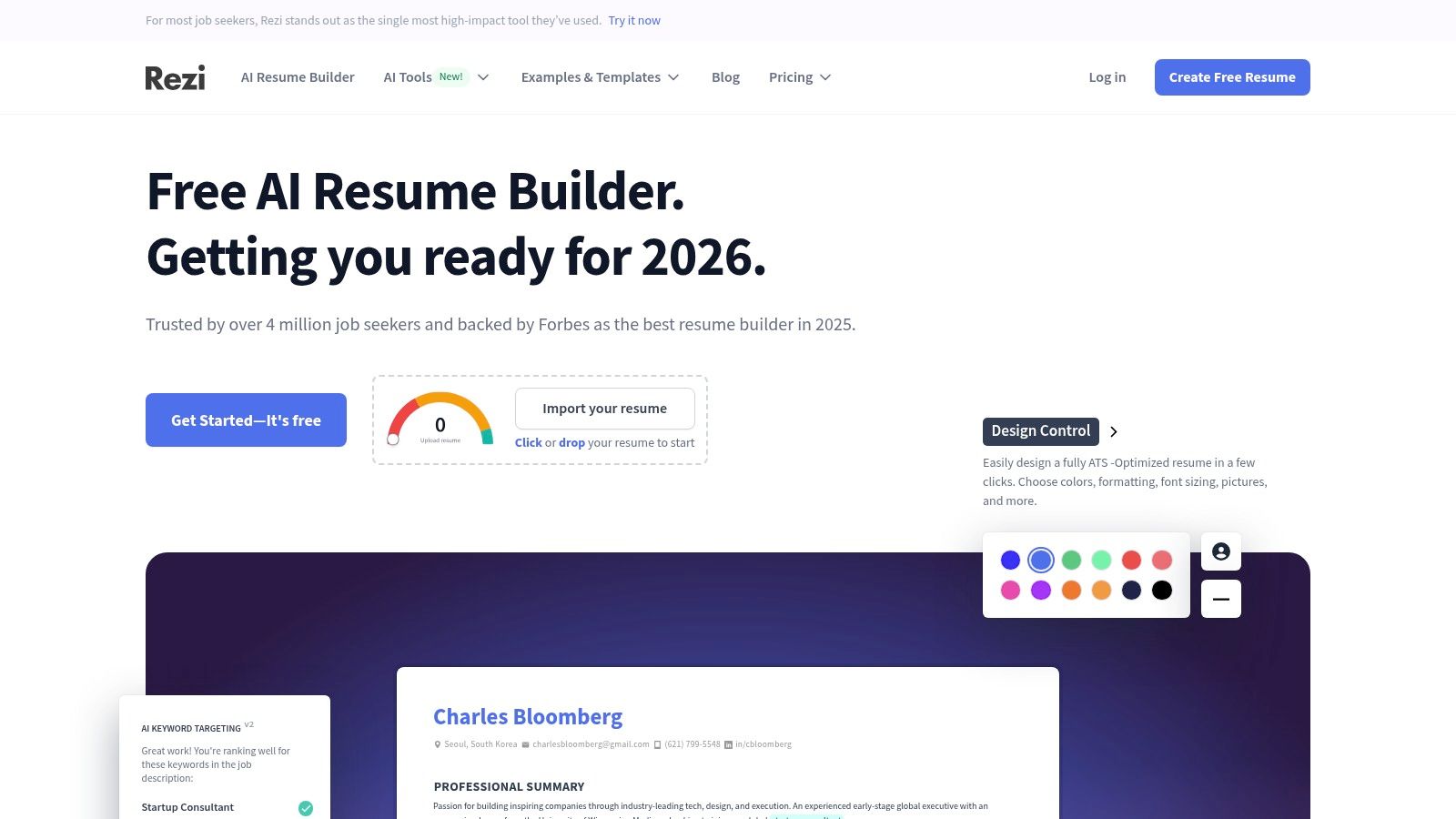
The platform is for job seekers who want to perfect their application materials before they start applying. By using AI to write, edit, and score resumes and cover letters, Rezi helps you build a strong foundation. It also offers AI-powered interview practice. This lets you prepare for common questions and get feedback. This completes the preparation cycle before you apply.
Key Features & User Experience
Rezi’s interface is clean and goal-oriented. It guides users through creating documents with clear, useful AI feedback.
- ATS Resume Builder: Creates resumes with formats that are known to work with common ATS software.
- AI Keyword Targeting: Analyzes a job description and suggests relevant keywords to include in your resume for a higher match score.
- Rezi Score: A real-time scoring system that grades your resume based on content, formatting, and keyword optimization for a target job.
- AI Interview Practice: Simulates job interviews by asking relevant questions and giving feedback on your answers.
Actionable Tip: Use the Rezi Score feature for every job you apply to. Paste the job description into the tool to get a tailored analysis. Then, adjust your resume until you get a score of 90 or higher for the best chance of passing the ATS.
Pricing, Pros, and Cons
Rezi offers a limited free plan. The Pro plan is available for a monthly subscription (around $29/month). Uniquely, it also offers a Lifetime plan with a one-time payment (often around $129).
Pros:
- Excellent ATS Optimization: Its main strength is creating documents that successfully get through automated screening systems.
- Clear, Simple Pricing: The one-time Lifetime plan offers great long-term value.
- Money-Back Guarantee: It offers a guarantee that you will get an interview. This shows confidence in its effectiveness.
Cons:
- Narrow Focus: It does not include job board or application discovery features. It is only a document and interview preparation tool.
- Key Features Paywalled: The most powerful AI analysis and scoring tools require a Pro or Lifetime subscription.
Website: https://www.rezi.ai
11. Hired
Hired changes the usual job search process. It creates a curated, AI-driven marketplace where companies apply to candidates. It specializes in matching vetted tech and sales talent with top employers. This makes it one of the best AI job search tools for professionals in those specific fields. The platform uses AI to match your skills and preferences with what companies need. This reduces the noise and connects you directly with interested hiring managers.

The platform’s strength is its focus on high-intent matches. Instead of you applying to hundreds of jobs, employers send you interview requests with salary information included. A dedicated Talent Success Manager guides you through the process. They offer support from interview prep to offer negotiation. This guided, personal experience is designed to speed up the hiring process for in-demand candidates. It ensures you spend your time on opportunities that are a strong fit for both you and the company.
Key Features & User Experience
Hired’s platform is clean and focused. It guides you to create a strong profile that its AI can use for matching.
- AI-Driven Marketplace: The main feature matches your profile to roles at partner companies, leading to direct interview requests.
- Talent Success Managers: Get personalized support and coaching to navigate the interview process and evaluate offers.
- Salary Transparency: Companies must provide compensation details upfront with their interview requests. This eliminates guesswork.
- Vetted Opportunities: Hired screens both candidates and companies to ensure a high-quality, serious marketplace.
Actionable Tip: Your Hired profile is your most important tool. Spend time detailing your technical skills, project experience, and career goals. The more specific you are, the better the AI can match you with relevant and exciting roles.
Pricing, Pros, and Cons
Hired is completely free for job candidates. Companies pay a subscription fee or a percentage of the new hire’s first-year salary to access the talent pool.
Pros:
- Warm Inbound Interest: Employers approach you. This is a powerful change from the typical application process.
- High-Quality Matches: The focus on vetted tech and sales roles leads to more relevant opportunities.
- Guided Process: Support from Talent Success Managers can significantly speed up interview and hiring timelines.
Cons:
- Niche Focus: Mainly helps candidates in tech and sales. It is less useful for other industries.
- Selective Acceptance: Not all candidates who apply are accepted into the marketplace.
Website: https://hired.com
12. Adzuna
Adzuna is a global job search engine that has found a unique niche. It offers powerful, free AI tools directly to job seekers. Many platforms use AI for matching in the background. But Adzuna provides two distinct, user-facing tools: ApplyIQ for responsible auto-applying and Prepper for AI-driven interview practice. This focus on giving candidates practical, quality-focused AI makes it one of the best AI job search tools for those who want to both find jobs and prepare for them well.
The platform's main advantage is its mix of a comprehensive job aggregator with AI tools. These tools are designed to improve the quality of applications and interviews. ApplyIQ is an auto-apply agent that focuses on high-match roles. It is transparent, with built-in limits to prevent application spam. Meanwhile, Prepper lets you paste any job description to generate tailored interview questions and get feedback. This makes the platform a dual-purpose tool for both finding and preparing for jobs.
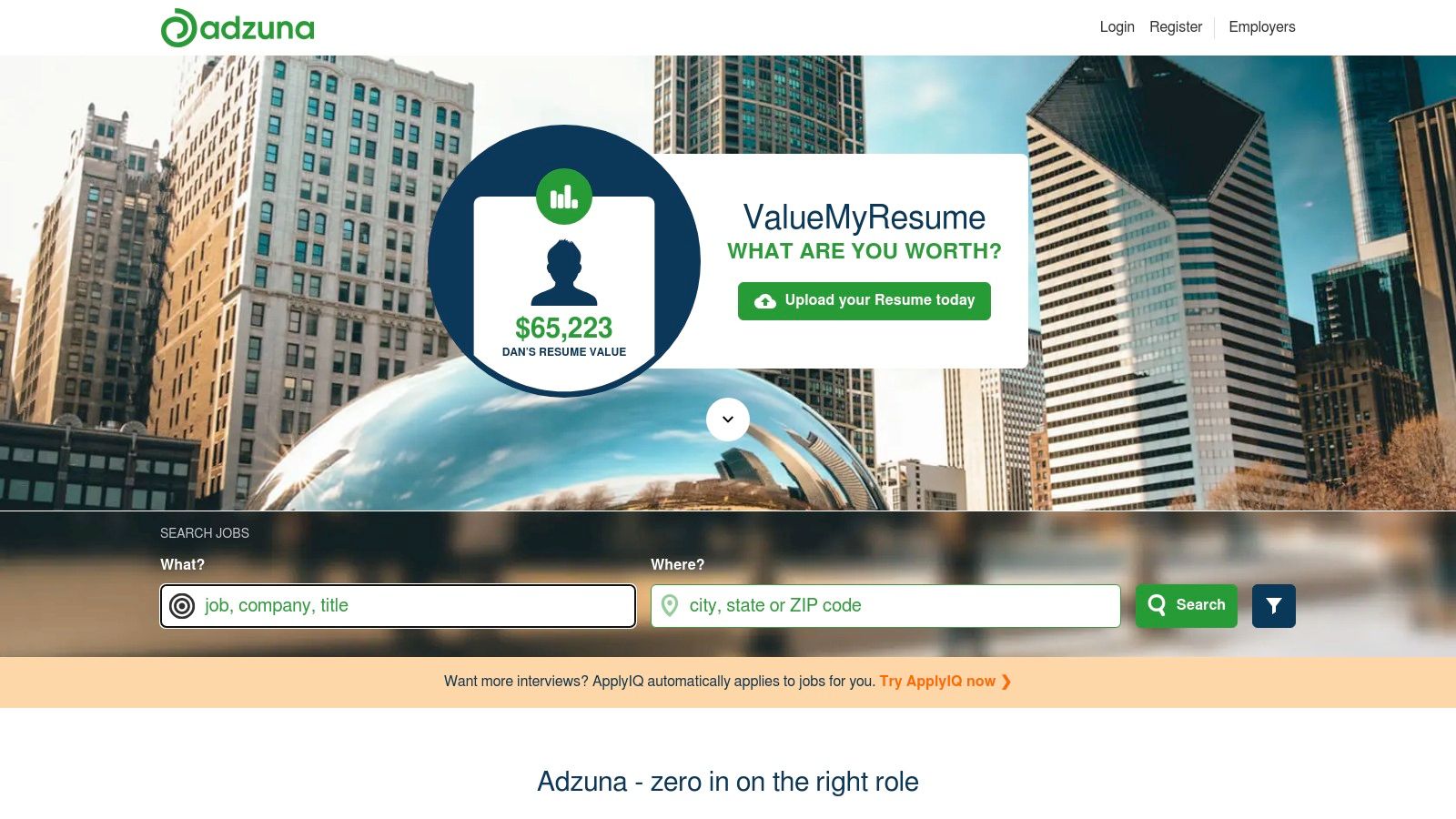
Key Features & User Experience
Adzuna’s interface is simple. It integrates its AI features directly into the job search experience. Both key AI tools are completely free.
- ApplyIQ: This auto-apply agent intelligently submits your resume only to jobs that are a strong match for your profile. It's designed to be responsible, with transparent limits.
- Prepper: An AI interview coach that takes a job description and generates custom practice questions, model answers, and provides feedback on your responses.
- Broad Job Inventory: As a search engine, it gathers listings from thousands of sites, providing wide U.S. coverage.
- Salary and Market Insights: Provides valuable data on salary trends and market conditions to help you negotiate and make informed decisions.
Actionable Tip: Use Prepper for every interview, even for jobs you find on other platforms. Just copy and paste the job description into the tool. You will get a highly relevant set of practice questions to build your confidence.
Pricing, Pros, and Cons
Adzuna's standout feature is that its main AI tools, ApplyIQ and Prepper, are completely free for job seekers. This provides great value compared to platforms that put similar features behind a paywall.
Pros:
- Completely Free AI Tools: Access to both auto-apply and interview prep AI without any subscription costs.
- Quality-Focused Automation: ApplyIQ is built to avoid spamming applications, focusing only on high-quality matches.
- Integrated Preparation: Pairs the job discovery process with a robust interview practice tool in one place.
Cons:
- Beta Features: ApplyIQ is still in beta, so its performance and feature set may change over time.
- Limited Auto-Apply: The auto-apply function is intentionally limited to maintain application quality. This may not be for users who want to submit a high volume of applications.
Website: https://www.adzuna.com
Top 12 AI Job Search Tools — Feature Comparison
| Product | Core features | Unique selling points | UX / Quality (★) | Best for (👥) | Pricing / Value (💰) |
|---|---|---|---|---|---|
| Gainrep 🏆 | Endorsement feed, career Q&A, resume builder, AI Auto‑Apply | ✨ Reputation‑first social proof + automated AI applications | ★★★★☆ | 👥 Job seekers, freelancers, grads, professionals | 💰 Free for most; premium details unclear |
| Networking, AI job search, Easy Apply, learning | ✨ Largest recruiter/employer reach | ★★★★☆ | 👥 All professionals & recruiters | 💰 Free + Premium (gated AI insights) | |
| Indeed | AI job recommendations, resume builder, Pathfinder (rolling out) | ✨ Massive U.S. job inventory & AI roadmap | ★★★☆☆ | 👥 U.S. job seekers, volume searches | 💰 Free; new AI features rolling out |
| ZipRecruiter | AI matching, "Phil" assistant, real‑time alerts | ✨ Conversational career advisor & curated picks | ★★★☆☆ | 👥 Active seekers wanting fast alerts | 💰 Free tools; employer pricing public |
| Teal | AI resumes/cover letters, interview practice, job tracker, extension | ✨ Workspace + multi‑board bookmarking | ★★★★☆ | 👥 Multi‑board applicants & organizers | 💰 Generous free tier; Teal+ for advanced AI |
| Simplify | One‑click ATS autofill, AI cover letters/resumes, tracker | ✨ Autofill across major ATSs (Workday, Greenhouse, etc.) | ★★★★☆ | 👥 High‑volume applicants saving time | 💰 Core free; premium features paid |
| Sonara | Continuous job scanning, match scoring, auto‑apply, tracking | ✨ Set‑and‑go automation for ongoing applications | ★★★☆☆ | 👥 Time‑constrained seekers preferring hands‑off | 💰 Subscription-based |
| LoopCV | Auto‑apply loops, analytics, A/B CV testing, LinkedIn integration | ✨ Scalable loop strategies + analytics | ★★★☆☆ | 👥 Volume applicants & data‑driven users | 💰 Tiered pricing; extra applications purchasable |
| Jobscan | Resume vs JD matcher, keyword gap analysis, Power Edit | ✨ ATS match rates & targeted tailoring tools | ★★★★☆ | 👥 Targeted applicants optimizing resumes | 💰 Free scans; Premium removes limits |
| Rezi | AI resume + cover letters, Rezi Score, interview practice | ✨ Real‑time scoring & Lifetime plan option | ★★★★☆ | 👥 ATS‑focused resume builders, budget buyers | 💰 Clear tiers including one‑time Lifetime |
| Hired | Vetted marketplace, AI matching, talent success managers | ✨ Curated inbound employer interest & salary transparency | ★★★★☆ | 👥 Tech & sales candidates seeking vetted roles | 💰 Employer‑paid marketplace; candidate experience guided |
| Adzuna | ApplyIQ auto‑apply, Prepper interview tool, salary insights | ✨ Free ApplyIQ (quality‑focused) + Prepper for interview prep | ★★★☆☆ | 👥 Seekers who want auto‑apply + interview prep | 💰 Free tools; ApplyIQ in beta with limits |
Final Thoughts
Navigating the job market today needs more than a good resume. It requires a smart, tech-driven strategy. Hiring has changed. Applicant Tracking Systems (ATS) and complex algorithms are the first gatekeepers. The tools we have discussed are no longer just nice to have. They are essential parts of a successful job search strategy. This includes everything from large platforms like Gainrep and LinkedIn to specialized tools like Jobscan and Teal.
The main takeaway is this: AI is your co-pilot, not your autopilot. Each tool offers a unique benefit. It might be automating applications, optimizing your resume for keywords, or organizing your entire search. But none of them can replace the human element. Your unique skills and career goals are what make these tools work. The most successful job seekers will use these technologies to boost their personal brand, not just to send out more applications.
Choosing Your AI Job Search Toolkit
Picking the right mix of the best AI job search tools depends on your needs, career stage, and how intensely you are searching. There is no single correct answer.
To make a good choice, ask yourself these key questions:
- What is your biggest problem? Do you spend too much time on repetitive applications? Does your resume fail to pass ATS scans? Are you having trouble keeping track of contacts? Your main challenge should guide your first choice.
- For application fatigue, try tools like Gainrep's AI Auto-Apply, Sonara, or Simplify.
- For resume optimization, focus on Jobscan or Rezi.
- For organization, Teal is a great place to start.
- What is your budget? Many of these tools have strong free versions that are enough for a casual job search. But if you are actively looking for a new role, paying for a premium subscription for a month or two can be a good investment. It can shorten your search time.
- How much control do you want? Some tools, like auto-apply platforms, require you to trust the AI with the initial application. Others, like resume scanners and organizers, keep you in charge. They provide data and suggestions for you to use. Decide what level of automation you are comfortable with.
It is also important to be aware of the technology itself. As AI becomes more common in hiring, understanding its ethics and how it works is important. For a deeper look at how these complex systems are checked, resources like Shorepod's AI Audit Center offer useful information on the standards for AI in the professional world.
Your Action Plan for AI-Powered Job Seeking
The goal is not to use every tool on this list. The goal is to create a simple, effective system that works for you. Start small.
- Select One Primary Tool: Choose one platform that solves your most important need. If you are starting from scratch, a complete tool like Gainrep can help you build a strong foundation with a powerful resume builder and networking features.
- Integrate a Secondary Tool: Add a tool to complement your main one. If you chose an auto-apply tool, pair it with a resume optimizer like Jobscan. This ensures the document you are sending is excellent.
- Refine and Review: Do not just "set it and forget it." Regularly check your AI-generated cover letters. Track your application success rates. And tweak your master resume. Use the data these tools provide to improve your strategy.
The job search will always have its difficulties. But now you have a set of powerful AI allies to help you. By combining your unique professional story with the speed and efficiency of these tools, you can handle the market with confidence and find the job you deserve.
Ready to build a smarter, more effective job search strategy? Gainrep combines a powerful AI resume builder, professional endorsements, and automated job applications into one seamless platform. Stop just applying and start connecting with the right opportunities today at Gainrep.
